Industry
Investment Banking
Use Case
Building Models, Saved Workflows
The Problem
You have a comprehensive financial model open in Excel for an energy and infrastructure client. The deliverable is a full DCF valuation with WACC assumptions, terminal value calculations, and a discounted cash flow summary, structured for review and ready for the deal team.
Manually, that means building out discount rate assumptions, layering in terminal value methods, calculating present values across the forecast horizon, and sense-checking whether the valuation approach even fits the asset type. For a finite-life asset like a battery storage business, this last step is critical and easy to miss.
The Solution
You can use saved workflows in Tracelight's AI for financial modeling to accelerate this process by over 90%
Step 1: Trigger the DCF Workflow
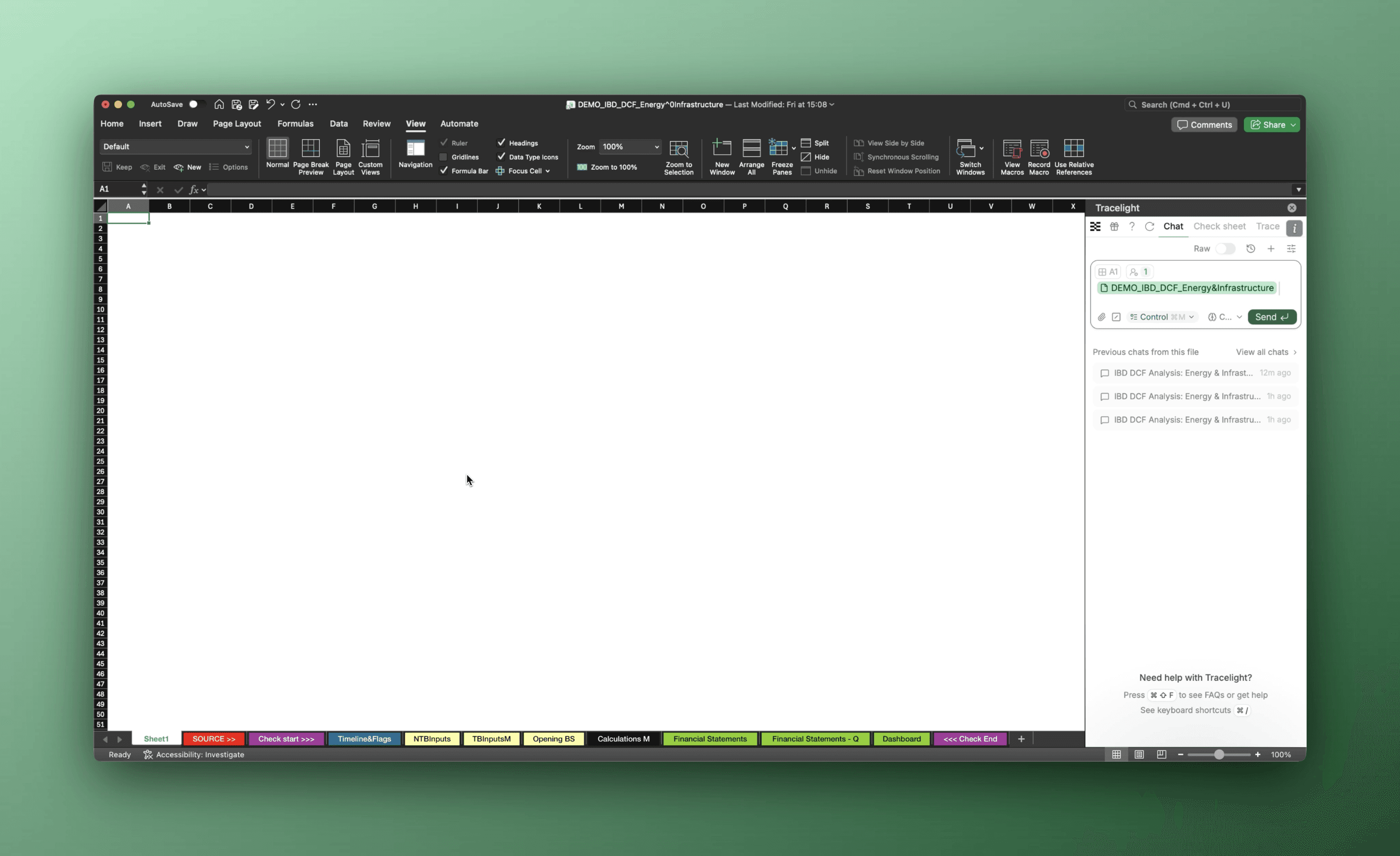
To begin, select the saved DCF Workflow from Tracelight's prompt library. The Workflow contains all the instructions your team has standardised for valuation builds, including the base year, output structure, and assumptions framework. One click, and Tracelight begins executing against the live model.
Step 2: Build WACC and Terminal Value Assumptions
Tracelight generates a complete set of WACC assumptions and builds terminal value calculations using both the perpetuity growth rate and exit multiple methods. All assumptions are clearly laid out in the workbook, linked to the underlying model inputs, and ready for you to review and adjust. No manual formula construction, no copy-paste from a prior deal's template.
Step 3: Calculate Discounted Cash Flows
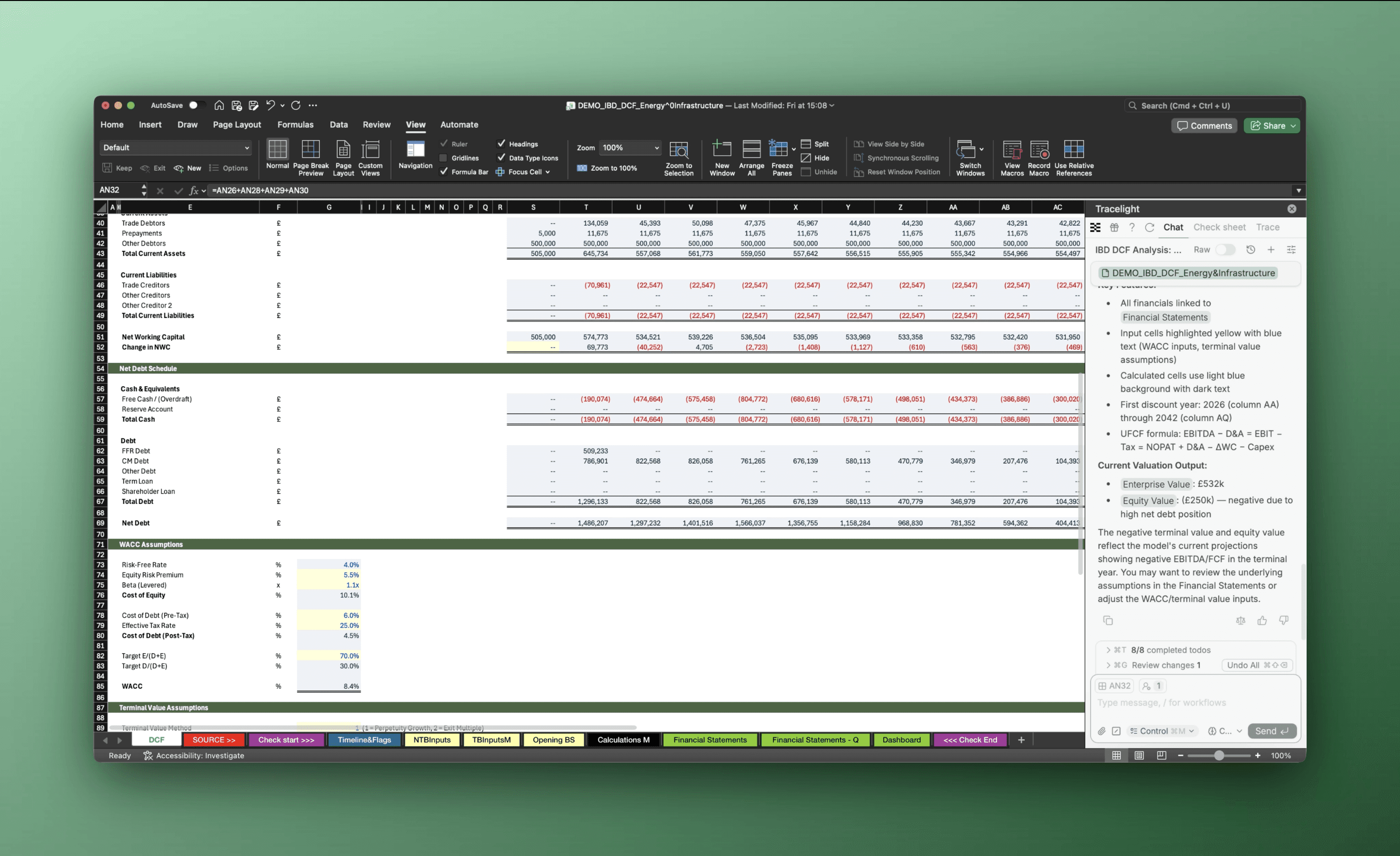
Tracelight calculates unlevered free cash flow from the financial statements, referencing separate NWC and net debt schedules already present in the model. It then discounts each period's cash flow back using the WACC assumptions, producing a full DCF output sheet. For this particular asset, the business is fully depreciated by 2033 and EBITDA turns negative by 2042, details that flow directly into how the valuation should be interpreted.
The Result
A full DCF valuation, from WACC assumptions through terminal value methods to discounted cash flows, built directly into the existing model in minutes rather than hours.
Frequently Asked Questions
Q: Can AI build a DCF model from an existing Excel financial model?
A: Yes. Tracelight reads your existing financial statements, inputs, and schedules, then builds the DCF framework directly in the same workbook. You define the valuation year and approach; Tracelight generates WACC assumptions, terminal value calculations, and discounted cash flows linked to your source data.
How does AI for Excel handle terminal value for finite-life assets?
A: Tracelight flags when a terminal value approach is inappropriate for the asset being valued. For finite-life assets like infrastructure or battery storage businesses, it identifies that summing discounted cash flows over the asset's life is the correct method, preventing a common modelling error before it reaches the deal team.
What is a Tracelight Workflow and how does it accelerate financial modelling in Excel?
A: Workflows are saved prompts that automate repetitive modelling tasks. Your team configures a Workflow once (for example, a standard DCF build with defined assumptions and output structure), then any analyst can execute it against a new model with a single command. This ensures consistency across the team and eliminates rebuild time on standard deliverables.
Speak with our specialists
Contact Us