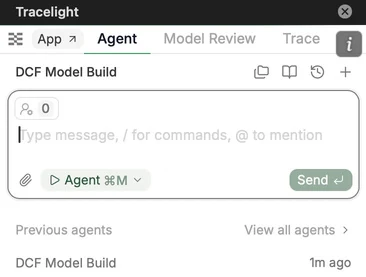
Build and summarise models by using natural language to prompt Tracelight.
Prompt Tracelight as if you were talking to the analyst who built the sheet.
The Previous agents tab below the chat box allows you to access older agent runs.
You can also prompt a web search with Tracelight for online research.
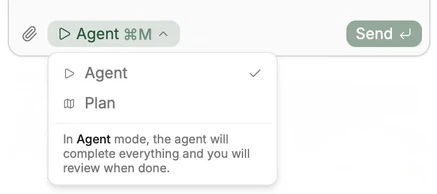
B. Modes
Agent: build automatically according to instructions — use for speed and convenience.
Plan: optimise your prompts so Tracelight follows your intent as closely as possible.
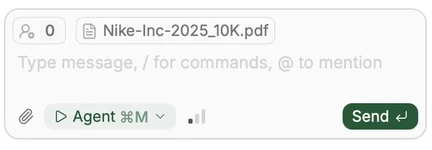
C. Import Documents
Click and drag into the chat to import PowerPoint, Word, Excel, PDF, image files, CSVs, and more. The file appears in a labelled panel in the chat as shown below for the 10K.