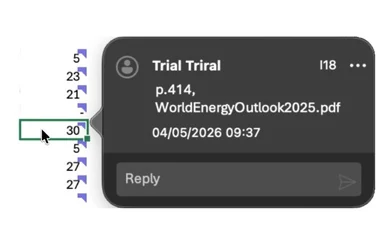
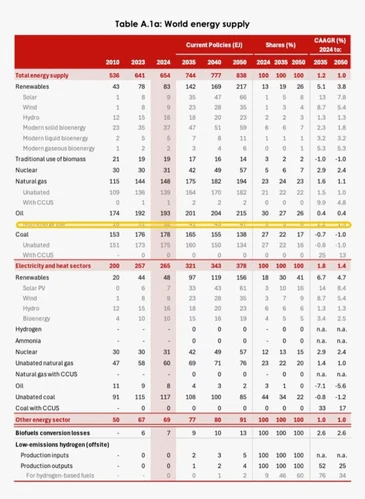
Tracelight reads PDFs and writes the data into your spreadsheets, with every cell cited to source, and a source viewer in the right-hand panel highlighting exactly where in the PDF each number came from.
B. Projects
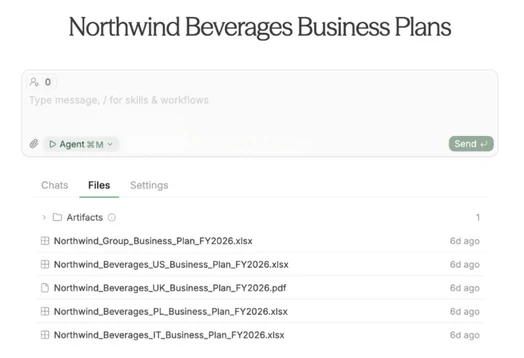
Projects organise all your files, chats, and artefacts about a financial model in one place, so you can work faster with all your project context.
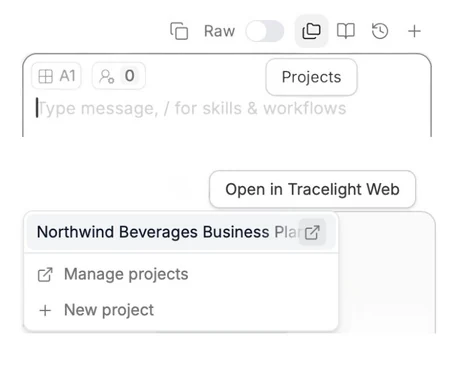
You can find projects on the right above the Tracelight chat box. Click the button on the right of each project to open them in Tracelight web, where you can see all the files in your project.