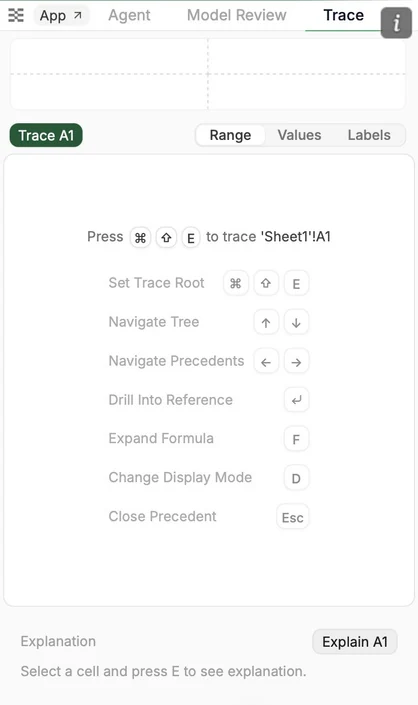
You can navigate to the Trace tab at the top of the Tracelight panel.
Trace helps you understand how different formulas and cells are linked to each other.
B. How to Use Trace
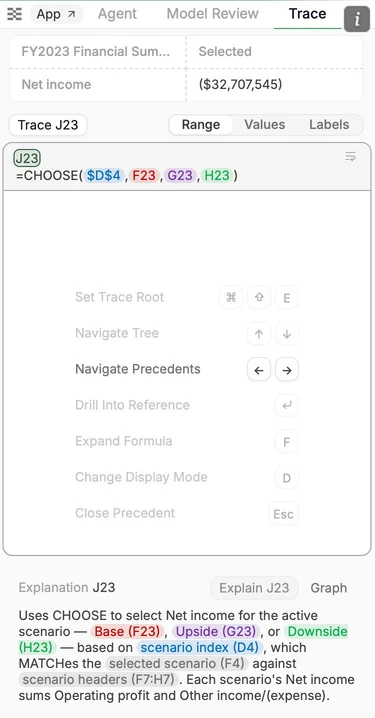
In the top view is the navigation pane, which clockwise from top left shows; model section, column, value, and row for the relevant cell.
Toggle between views of the formulas by changing precedents; range (cells referenced in the formulas), values (values in the cell), and labels (what the cells mean).
Hit Enter on a cell reference to see the precedent of that cell.
Navigate through the precedent tree with shortcuts as shown below.
At the bottom, you can also see an explanation of the formula.