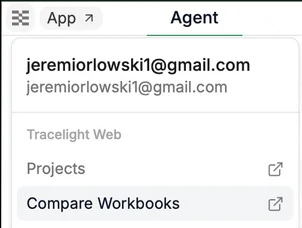
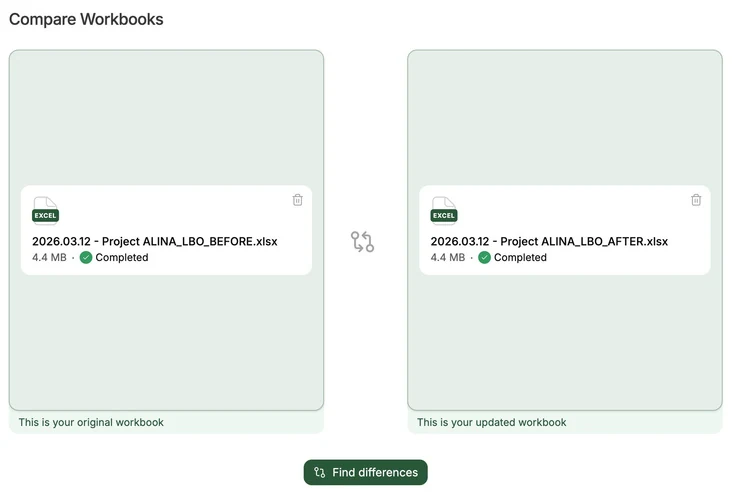
To compare two versions of the same workbook, click the Tracelight icon above the chat to navigate to Compare Workbooks in the Platform (app.tracelight.ai/compare), or use it directly from the Platform, where you can drop in two versions of the same model to view the differences. You can also access Compare Workbooks from the Model review tab in the add-in.
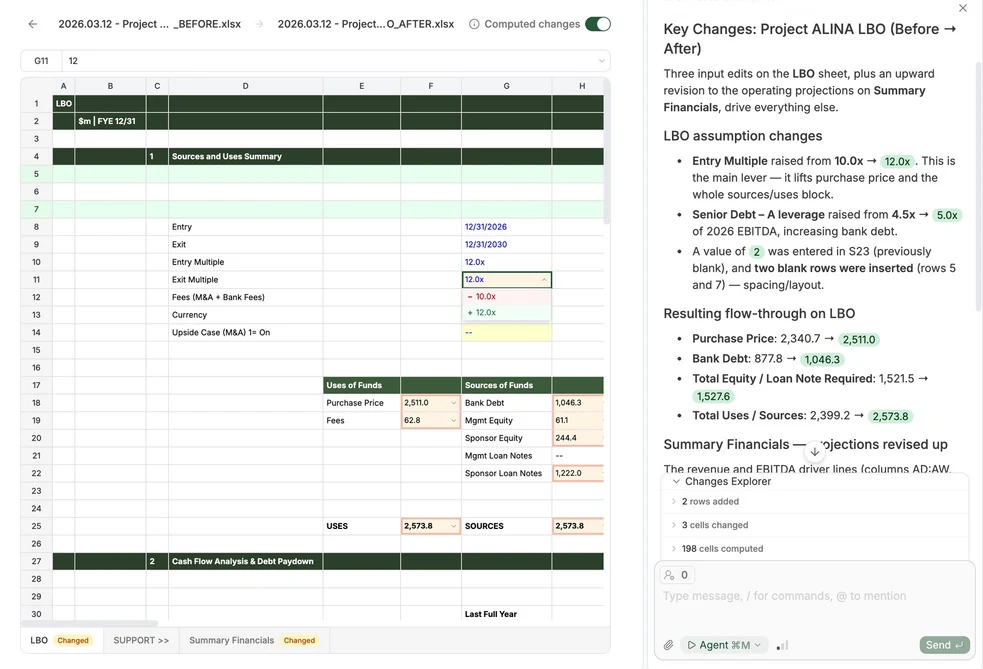
You can then see every change made in the spreadsheet, as well as an AI summary of their impact on your model.
Toggle Computed Changes to see how the input changes impact downstream variables.