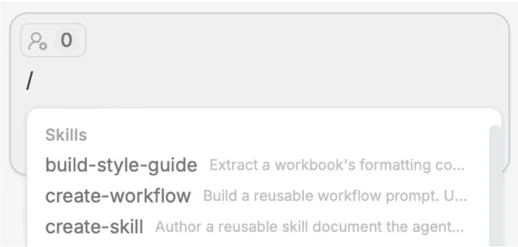
By typing “/” in the chat, you can open up the Skills dropdown. Here, you can use or build skills to automate your repetitive tasks (to build, use create-skill).
To use the skill, type “/” and select it from the menu.
B. Instructions and Style Guides
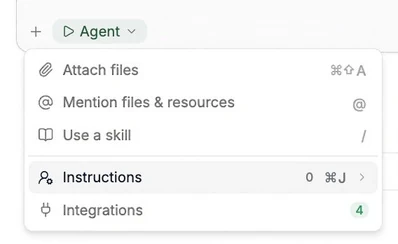
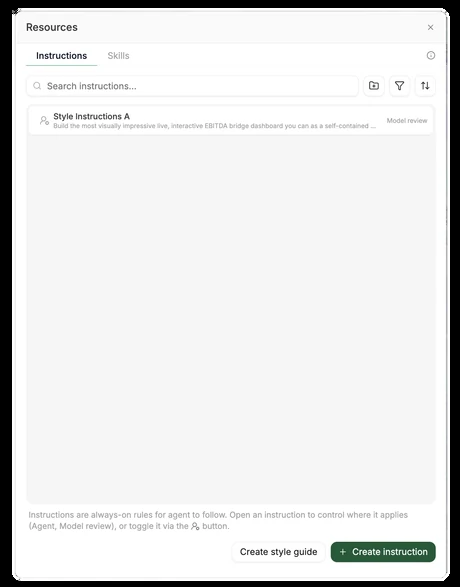
Tracelight makes formatting specific to your required style automatic; click the “+” in the bottom left of the chat to open the instructions tab, where you can add custom instructions or create a style guide to automate formatting according to your preferred style.